Automation concepts
Investfly automation combines a universe, a condition or schedule, an action, and lifecycle rules. Understanding which layer owns each decision makes the result easier to predict and review.
Universe: what is evaluated
A universe is the set of instruments a workflow resolves and evaluates. Depending on the asset and tool, it may come from one symbol, a standard market list, a custom list, a saved watch list, or supported criteria. A larger universe increases the number of independent evaluations; it does not rank or prioritize matches unless the workflow explicitly says it does.
Options workflows generally evaluate signals against an underlying equity universe, then apply option-contract selection when an action or entry is created.
Condition state: true now versus newly true
An expression evaluates to true or false for one security at a time. Different tools interpret that state differently:
| Tool | How it uses a true condition |
|---|---|
| Screener | Returns securities whose conditions are true for the current run. It does not maintain a prior false/true state. |
| Market Automation | Creates an occurrence only on a false-to-true transition for each security. A repeatable automation must see false again before that security can re-arm. |
| Trading Strategy | Uses the selected Signal Mode: On False → True or When True, followed by position, schedule, risk, and portfolio guards. |
Actions and orders
A matching condition is not itself a fill. The workflow first produces an occurrence or signal, then checks action settings, position state, buying power, limits, asset rules, account compatibility, and provider constraints. An accepted order can still remain pending, be partially filled, be rejected, or be canceled.
Market Automations can notify, submit an order, or do both. A Trading Strategy coordinates entry, scaling, exit, schedule, and portfolio actions over time. A Manual Trade submits the order you configure now and has no persistent condition.
Position state and scaling
Strategies are stateful. A same-side entry signal can be ignored or configured to add to an existing position. Separate scaling rules may add after favorable or adverse movement where supported. Each rule should have deliberate caps, cooldowns, and sizing because repeated additions change the average entry price, exposure, and later exit calculations.
Exit rules can respond to a signal, profit or loss thresholds, trailing or break-even state, staged targets, or time held. No protective rule guarantees an execution time or price.
Schedules are independent triggers
A scheduled strategy job has its own calendar, eligibility guards, and trade intent. Multiple jobs can coexist in one strategy, such as an allocation rebalance and a separate scheduled entry. Scheduled work does not require a market condition to become true unless the job itself includes that guard.
Timing and simultaneous matches
Market data, indicator intervals, provider updates, evaluation timing, portfolio state, and network latency all affect what is eligible at a given moment. Several securities can match during the same evaluation cycle. Do not assume an undocumented ordering or that two accounts will produce identical results.
A Market Automation is the exception with an explicit multi-match policy: notifications contain the matching set, while an enabled trade action selects the alphabetically first eligible match and records skipped matches.
Test each environment separately
Historical backtests, Investfly virtual portfolios, and connected broker accounts are different execution environments. Check rules with small, observable examples; inspect individual orders and state changes; and revalidate after editing the universe, expression, schedule, sizing, or risk controls.
Continue with Market Automations, Trading Strategies, or the complete no-code trading bot builder workflow.
Understand a new-match transition
| Observed condition | Notify-only automation | Why |
|---|---|---|
| False | No occurrence | No match. |
| False to true | New occurrence; notify if enabled | The condition changed into a match. |
| Still true | Not another false-to-true event | Persistent truth is different from a new edge. |
| True to false, then true | Can rearm and occur again when configured | Repeat policy controls ongoing observation. |
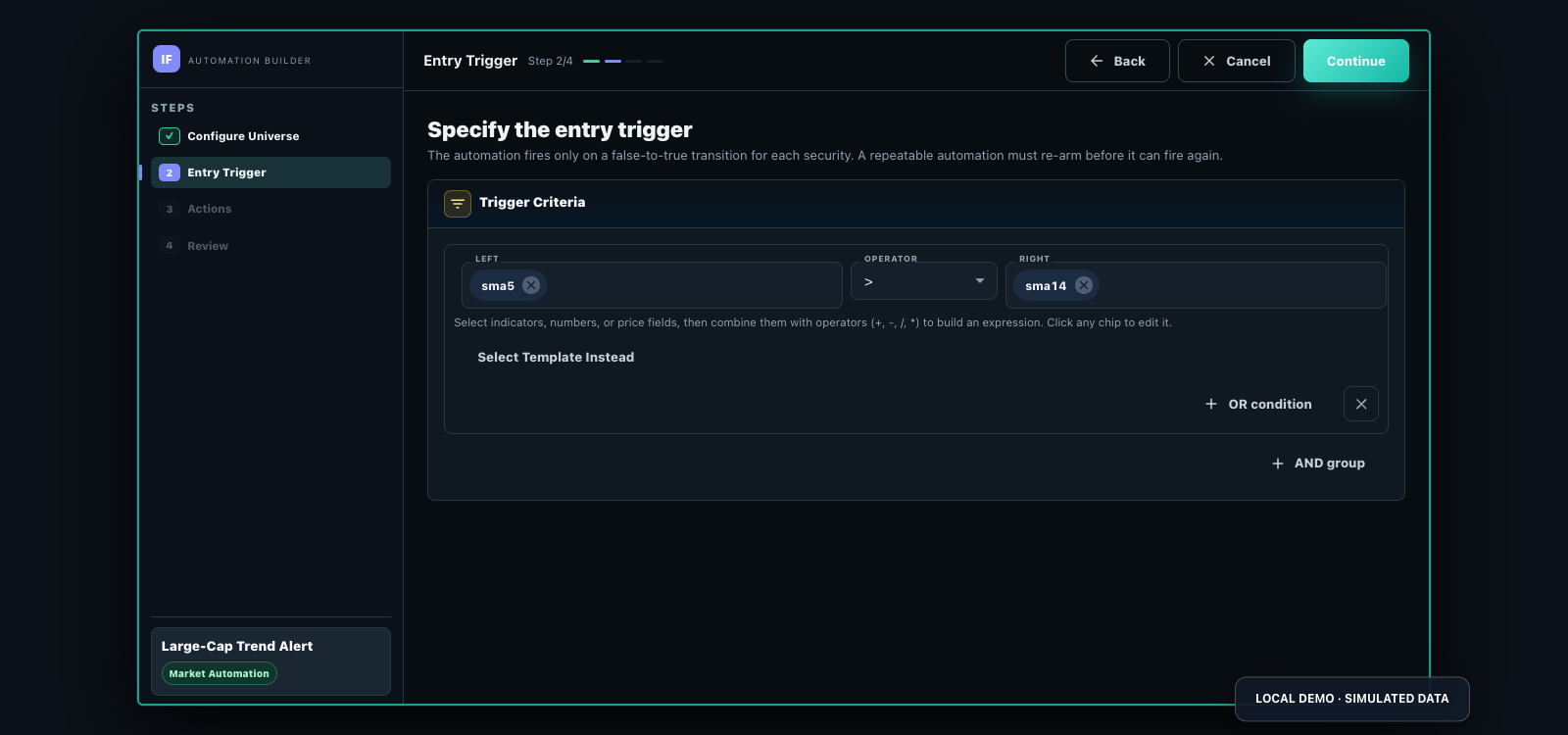
A screener answers a point-in-time question; a Market Automation preserves monitoring state and a configured action. A full strategy adds sizing, exits and position management. These tools do not provide a custom software-development service.
Compare automation controls, build a complete bot, see a worked stock trading bot configuration and screen current matches.